

1Starter House
- 26 × 26 × 15
- 1,816 blocks
- 112 steps
- ~2 h
- easy
A cosy spruce first home in a small fenced yard, with crop beds, a chimney and a porch. The best place to start if you have never built from a guide before.
What a Minecraft schematic is, the file types (.schem, .litematic, .nbt), how WorldEdit, Litematica and structure blocks use them, and how to build without a mod.
Search for a Minecraft house or base and you soon meet the word schematic: a file that holds a whole build, block by block, ready to load into your world. They are brilliant when your setup can use them, and a dead end when it can't. This guide explains what a schematic is, the file types you will see, the three ways players use them, and how to build the same kind of house in plain survival without any mod.
X-Builds does not offer schematic downloads. Every X-Builds build is a step-by-step guide instead: the exact block list and a picture for every step, which works in any world, with no mod and nothing to install.
A schematic is a saved copy of a build: the position of every block and its state (which way a stair faces, whether a door is open, what a sign says). Load it with the right tool and the build appears, either as a finished structure or as a see-through guide you fill in yourself. It does not contain the world around the build, and it only knows the blocks of the version it was saved in.
An X-Builds guide gives you what a schematic gives you, in a form you can follow by hand: the complete block list first (so you can gather everything before you start, like a schematic's material list), then the build layer by layer, with a picture for every step and the new blocks outlined, so you always know exactly where the next block goes. Every build below is free on the website on a computer, and in the X-Builds app.
A cosy spruce first home in a small fenced yard, with crop beds, a chimney and a porch. The best place to start if you have never built from a guide before.
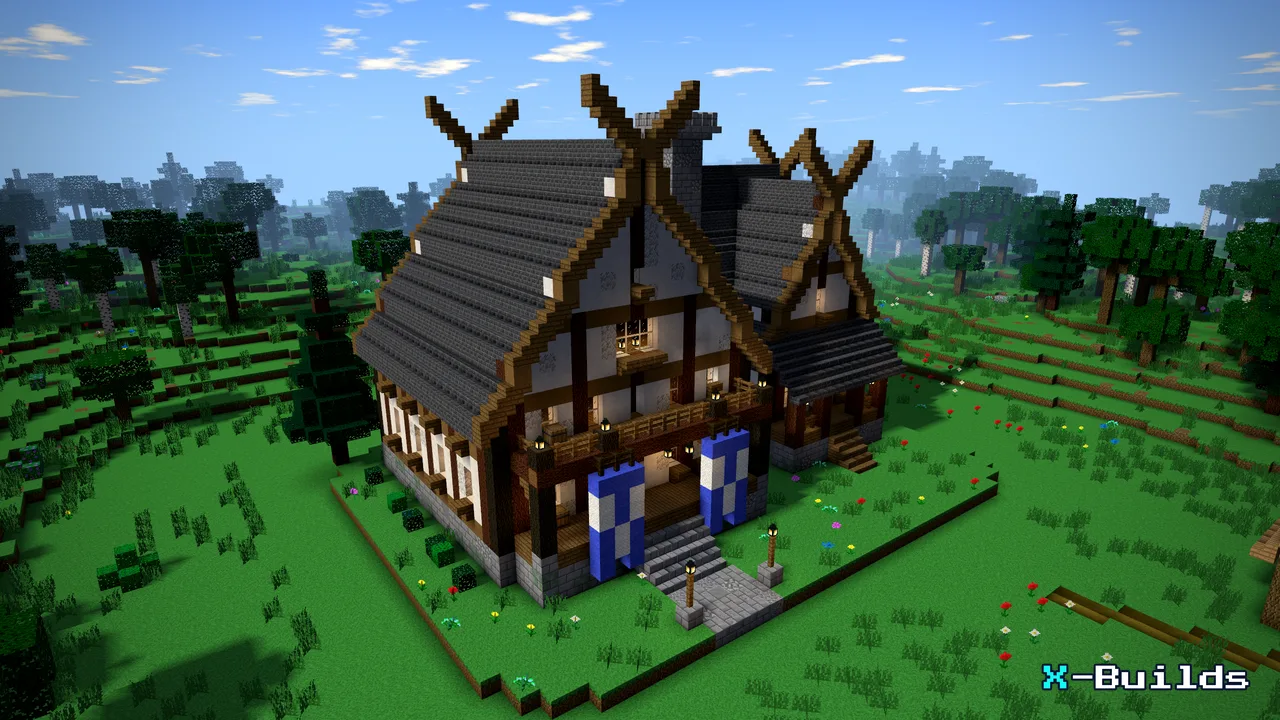
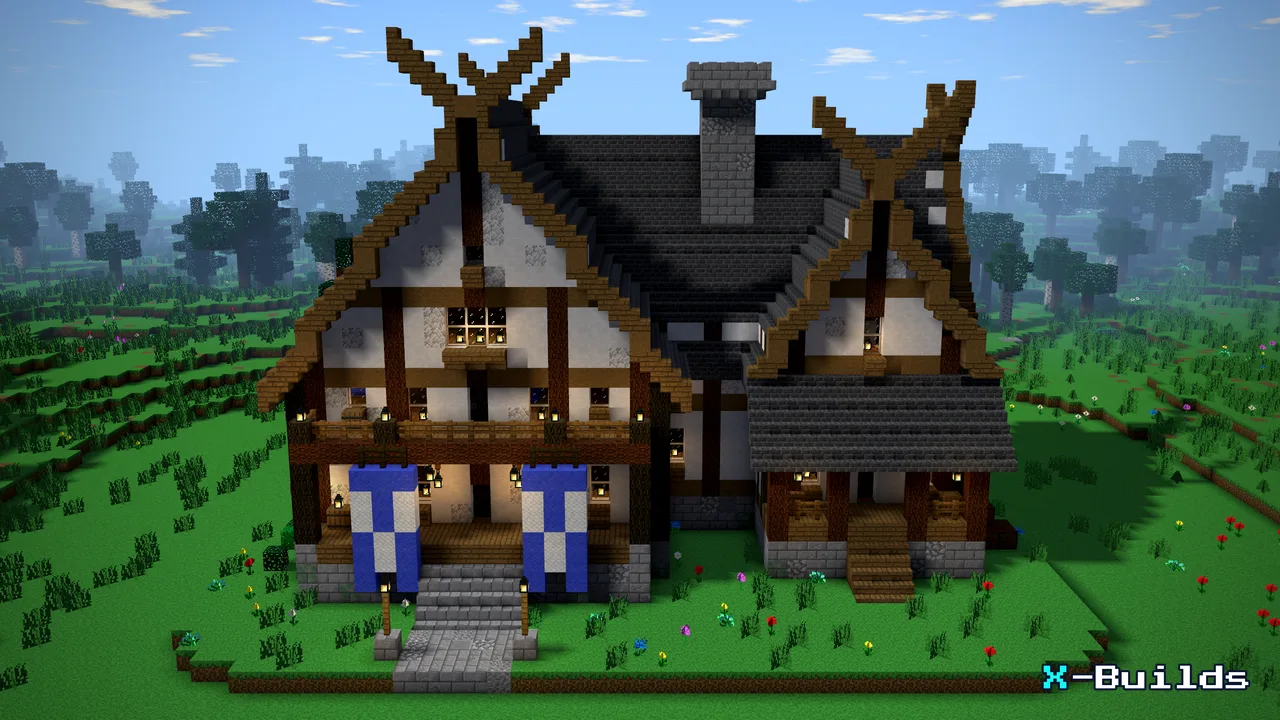
A Viking-age timber hall with crossed gable finials, blue rune banners and a stone stair. The kind of big, detailed house players usually look for as a schematic, broken into small steps you can follow in survival.

A big survival base dug into the rock, two levels of rooms shown cut open so every room and wall is easy to see in the step pictures. A popular schematic search, built here block by block.
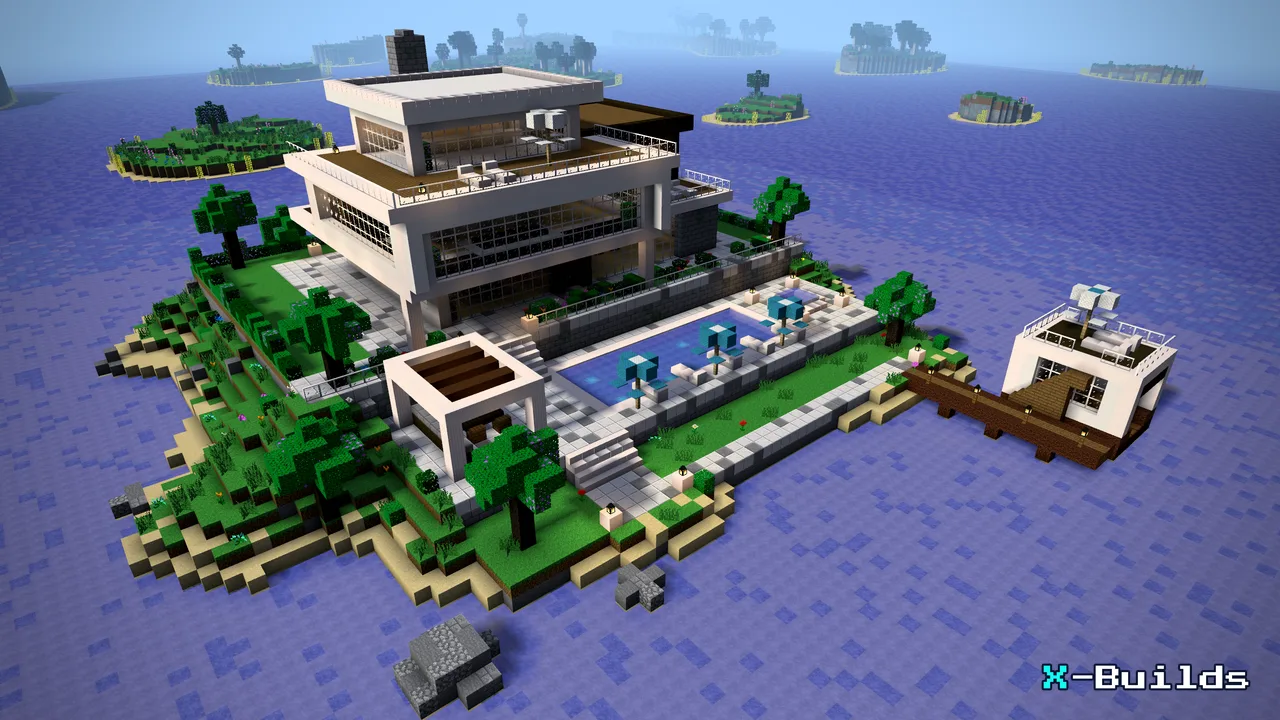
A three-storey white-and-spruce mansion on its own lakeside knoll, with terraces, a pool deck and a boathouse. A long project: the guide keeps your place, so you can build it over several sessions.

A grey stone fortress on a rocky hill ringed by a moat, with curtain walls between square towers: the classic build players hunt for as a schematic, laid out here as a guide you can follow without any mod.
Want to know how a house goes together from scratch? Read how to build a house in Minecraft, pick from our Minecraft house ideas, or browse every build.
Every build comes with its exact block list and a picture for every step. Free builds open in the free app on your phone, and in your browser on a computer, no account needed.
Pictures and icons: X-Builds; textures REFI by MysticTempest, CC BY-SA 4.0 (credits). Builds are original X-Builds designs; sizes, counts and times come from each build’s guide.
Guide · 5 min readHow to build a house in Minecraft: a step-by-step guide for your first homeHow to build a house in Minecraft, start to finish: pick a spot, gather blocks, then foundation, walls, roof and details, shown on a spruce starter house. Ideas · 8 min readMinecraft house ideas: 14 houses to build, step by stepFourteen Minecraft house ideas, from a spruce starter house to a modern villa, a lake house on stilts and a snowy chalet, each with step-by-step pictures.
 Ideas · 4 min readMinecraft survival base ideas: 8 bases worth buildingEight Minecraft survival base ideas: a hidden snow bunker, an underground home, an island tree base, a castle and more, each with exact blocks and step pictures.